Product Description
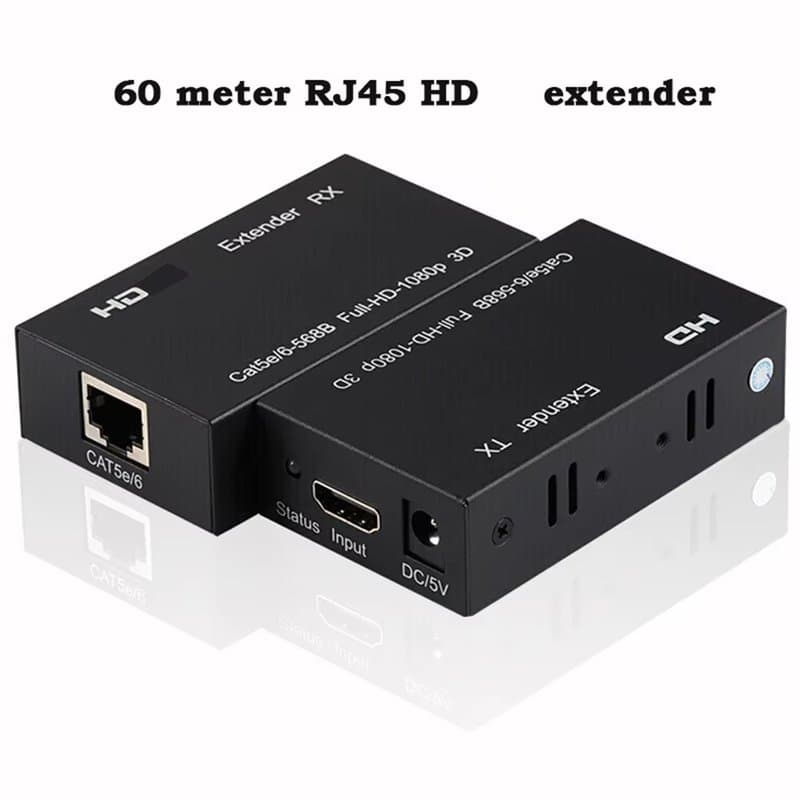
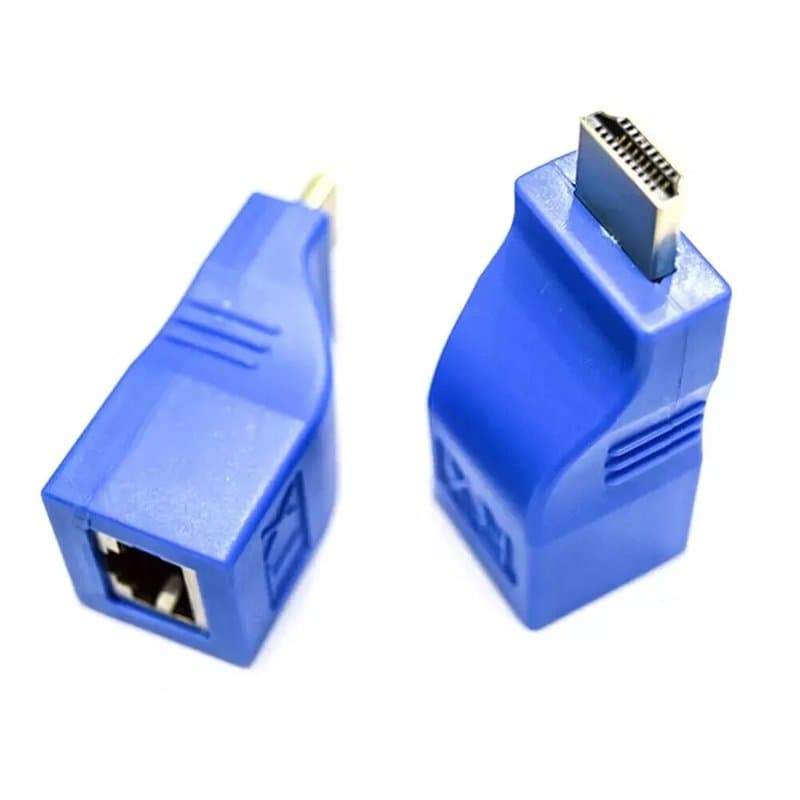
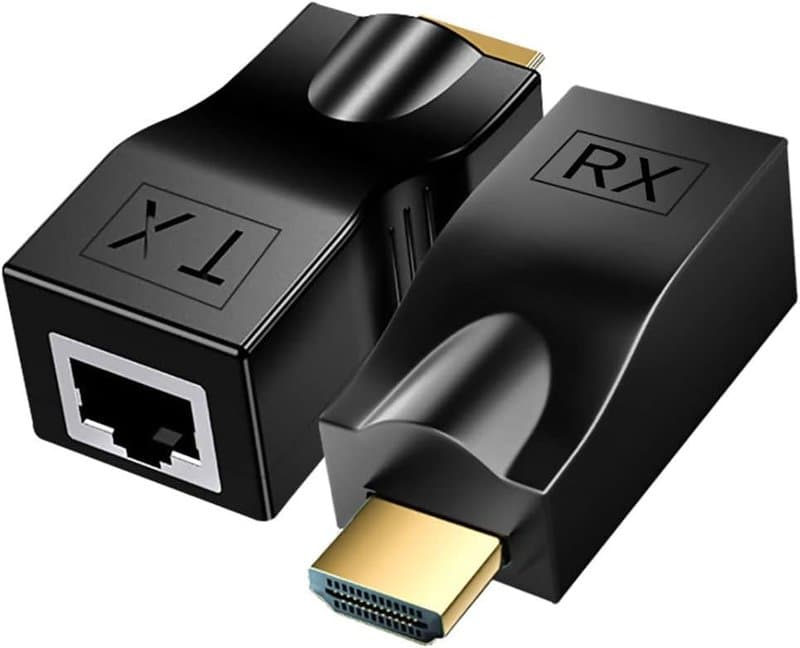
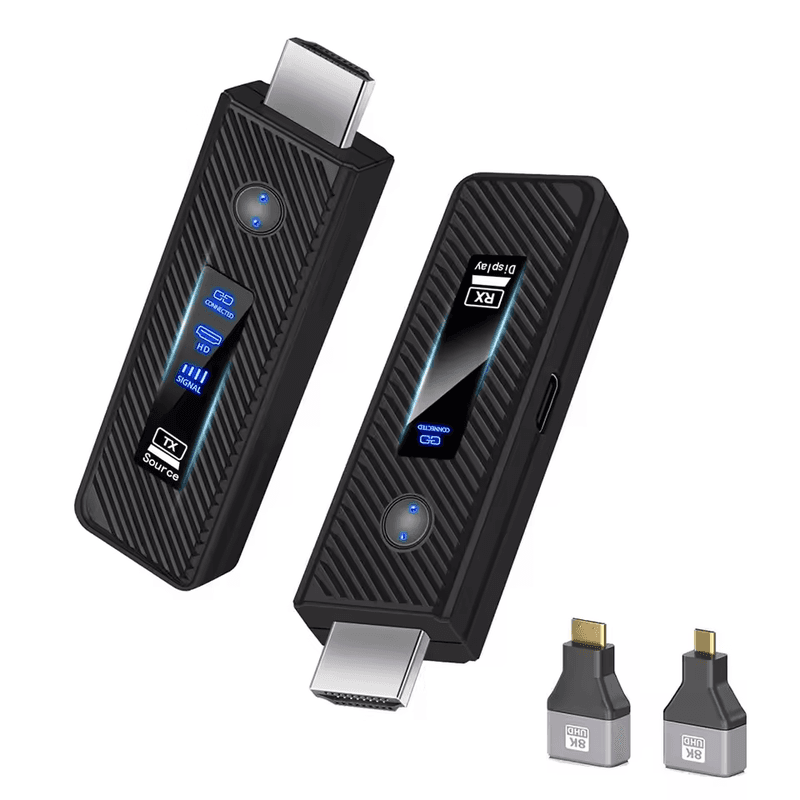
Sends a 1080P HDMI signal up to 50 metres without running cable. The HDMI-Wireless-Transmitter kit pairs a transmitter (plugged into the HDMI output of a PC, media player, TV box or DVR) with a receiver (plugged into a monitor, projector or TV), passing video and audio wirelessly once both units are powered.
Where it earns its keep
On CCTV and AV jobs the value is avoiding a cable run:
- DVR/monitoring stations where the display sits away from the recorder and pulling HDMI through walls or ceiling voids isn't practical.
- Meeting rooms and digital signage, projecting from a laptop or media player to a screen across the room.
- Offices and residential installs where a second display (reception desk, communal area) needs a feed without new cabling.
Practical selection notes
- Rated range is up to approximately 50 metres in open, unobstructed environments — walls, cabinets and metal fixtures will reduce that in practice, so plan line-of-sight where possible.
- Resolution tops out at 1080P, so it suits standard HD sources rather than 4K.
- Setup is plug and play: connect transmitter to source, receiver to display, power both, and they pair automatically.
- LED indicators on both units show connection and pairing status, useful for confirming the link during install rather than guessing.
Compact and portable, so it also suits temporary setups — demos, site surveys, or moving a monitor between locations without re-cabling each time.
Specifications
- Product Type
- Wireless HDMI Extender Kit
- Transmission Type
- Wireless video and audio
- Connection
- HDMI transmitter connects to source device
Technical Specifications
Frequently Asked Questions
What resolution does the HDMI-Wireless-Transmitter support?
It supports Full HD 1080P video transmission between the transmitter and receiver.
How far can the signal travel?
Up to approximately 50 metres (65 ft) in open, unobstructed environments; walls and obstructions will reduce this in practice.
What devices can I connect it to?
The transmitter connects to sources such as a PC, laptop, media player, TV box or DVR, and the receiver connects to a monitor, projector or TV.
How do I know it's connected properly?
Both the transmitter and receiver have LED indicators showing signal and pairing status.