Product Description
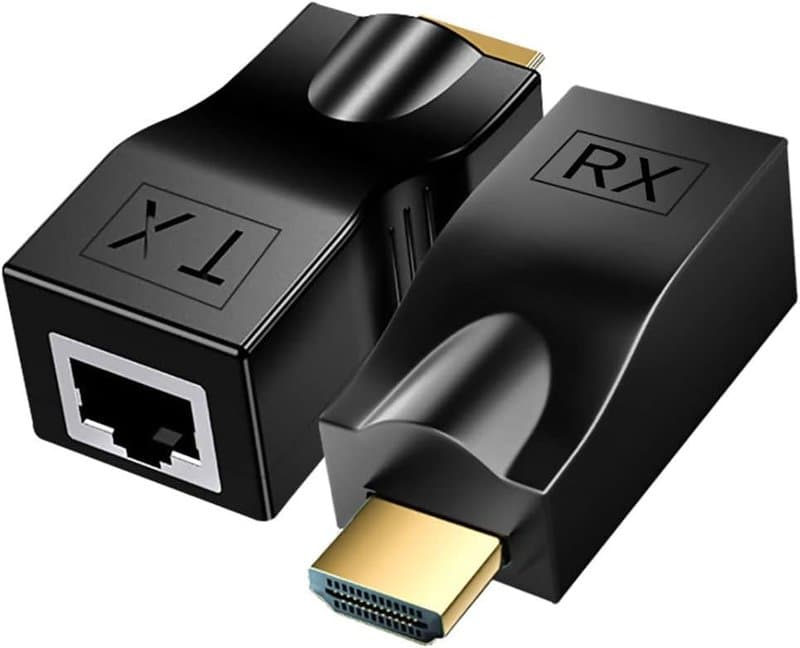
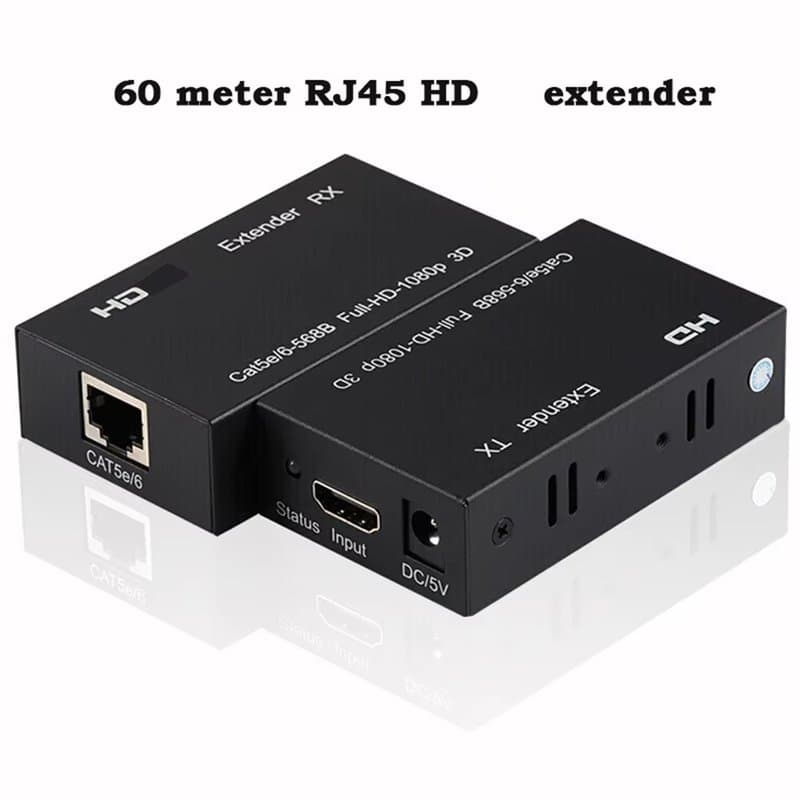
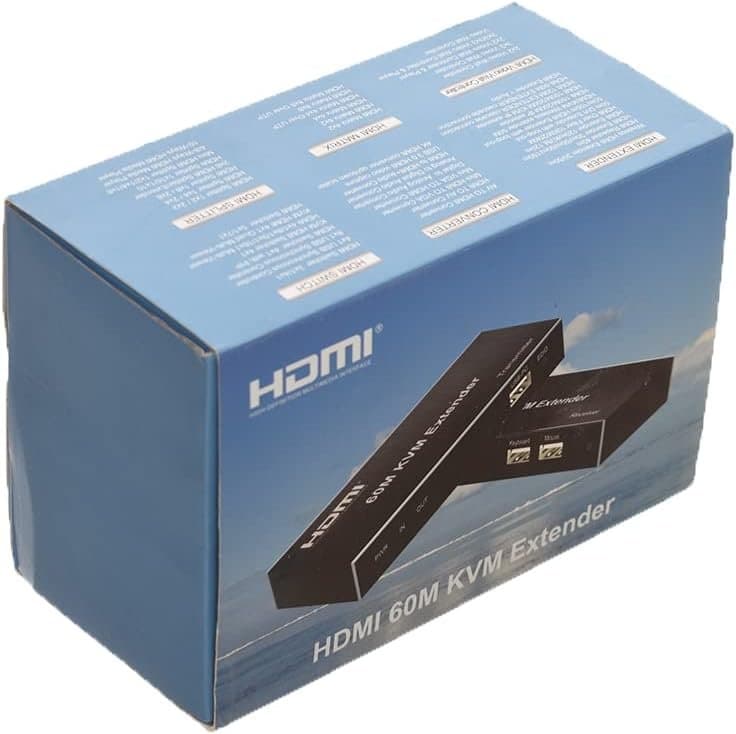
A KVM extender moves your DVR, NVR or PC's screen, audio and control point up to 60 metres away over one Cat5e/Cat6 cable — useful when the recorder has to live in a rack or cupboard but staff need a monitor and keyboard elsewhere.
How it fits into an install
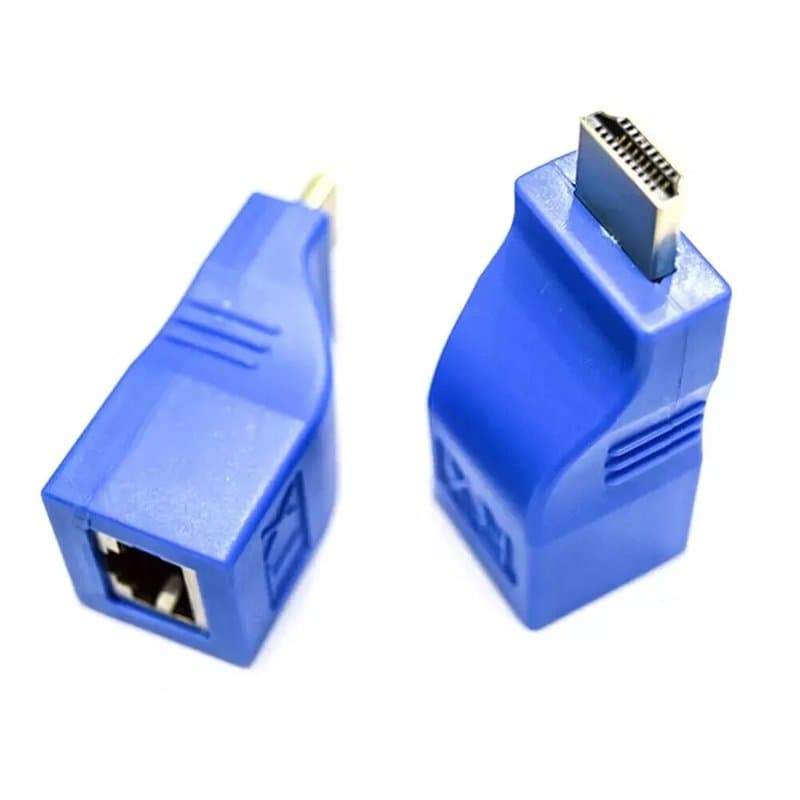
The transmitter connects to the HDMI source; the receiver connects to the monitor. One Ethernet cable between them carries 4K video, audio and USB keyboard/mouse control simultaneously, so no separate USB extension or audio run is needed. It's a point-to-point link — there's no network switch between TX and RX, so it doesn't share bandwidth with your camera network.
Where this gets specified
- Control rooms and server rooms — keep the DVR/NVR out of the way while staff still operate it directly from a front-of-house screen.
- Retail and hospitality — a display or monitoring point away from the equipment cupboard.
- Industrial monitoring stations and digital signage — any setup where the source needs to sit at a distance from the viewing/control position.
Key specs
- 4K HDMI video and audio over a single Cat5e/Cat6 cable
- Up to 60m (200ft) reach
- Built-in USB ports for keyboard and mouse pass-through (full KVM control)
- Plug-and-play — no drivers or software
- Supplied with TX, RX, two power adapters and a user manual
Cable choice decides your reach: pure-copper Cat6 is recommended to achieve the full 60m; lower-grade cable can reduce the usable distance.
Specifications
- Product Type
- HDMI KVM Extender over RJ45
- Model / SKU
- HDMI-EXTENDER-Over-Ethernet-RJ45-4K-KVM-60m
- Maximum Resolution
- 4K; refresh rate not specified
- Maximum Transmission Distance
- Up to 60 metres / approximately 200 ft
- Cable Compatibility
- Single Cat5e or Cat6 cable
- Audio Support
- HDMI audio transmission
- USB Function
- Keyboard and mouse pass-through
- Installation
- Plug-and-play; no drivers or software required
- Power Supply
- 2 power adapters included
- Package Contents
- 1 × transmitter, 1 × receiver, 2 × power adapters, 1 × user manual
Technical Specifications
Frequently Asked Questions
What's the maximum distance for this extender?
Up to 60 metres (200ft) over a single Cat5e or Cat6 cable.
Do I need pure-copper Cat6 cable?
Pure-copper Cat6 is recommended to reach the full 60m; lower-grade cable can shorten the usable distance.
Is it possible to connect this through a network switch?
No — this is a point-to-point connection between transmitter and receiver, with no switch in between.
Does it need drivers or software?
No, it's plug-and-play — connect the TX to your HDMI source and the RX to your monitor and it works without configuration.