

Available
HDMI Extender Over Ethernet RJ45 - Cat5e/Cat6 - 1080P Full HD – 30m (100ft) Transmitter & Receiver Kit + 2x EU PSU
SKU HDMI-EXTENDER-Over-Ethernet-RJ45-1080P-Full-HD-30m
Cookies keep this site secure and hold your basket; they also let us measure visits and see which adverts lead to orders. Privacy policy
7 products in our Accessories range — trade-grade UK stock from Euro CCTV.
All products
7 of 7 SKUs · dispatched the same day when ordered by 4pm


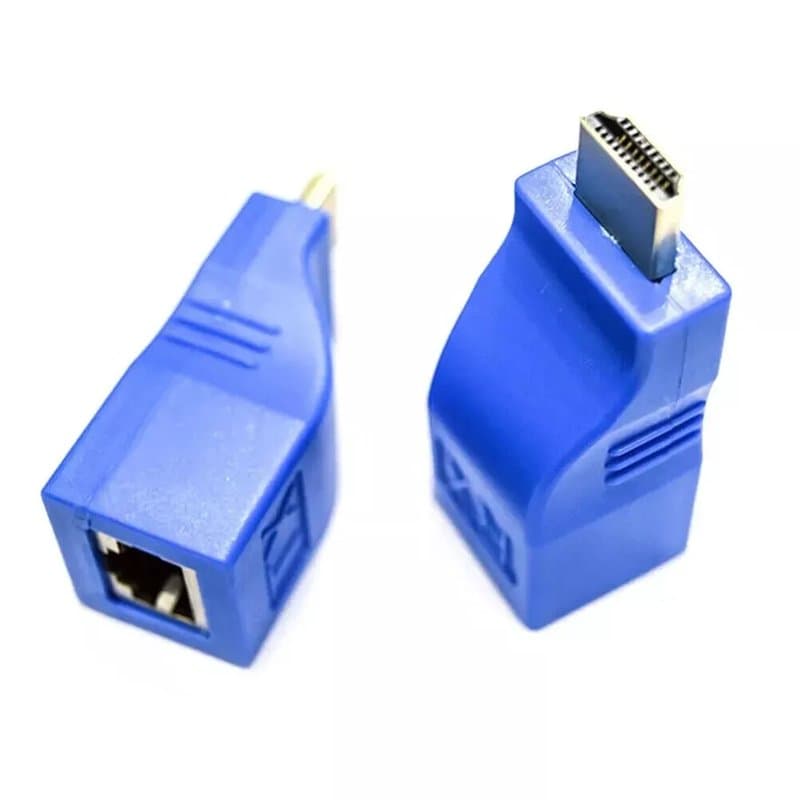
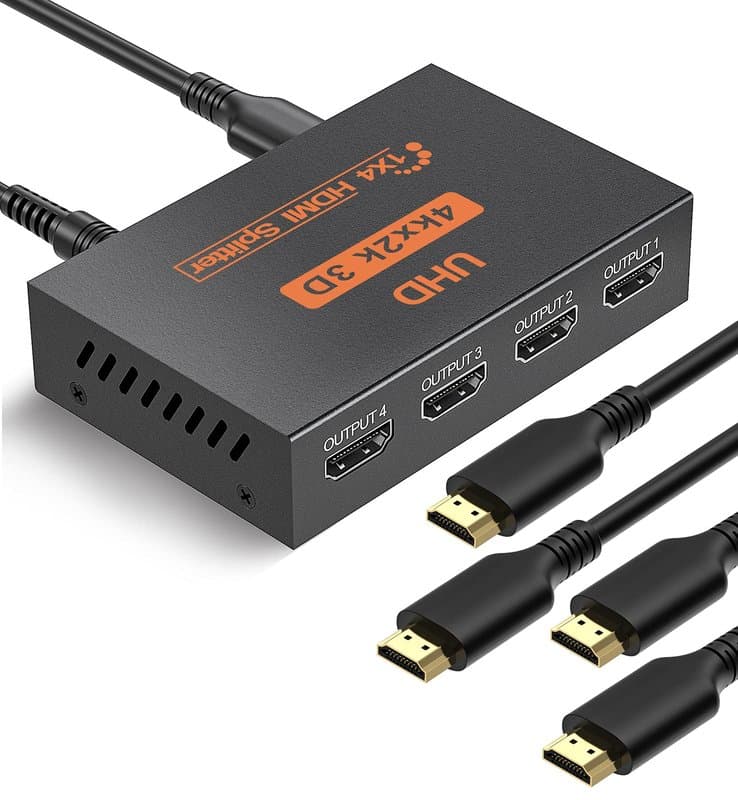
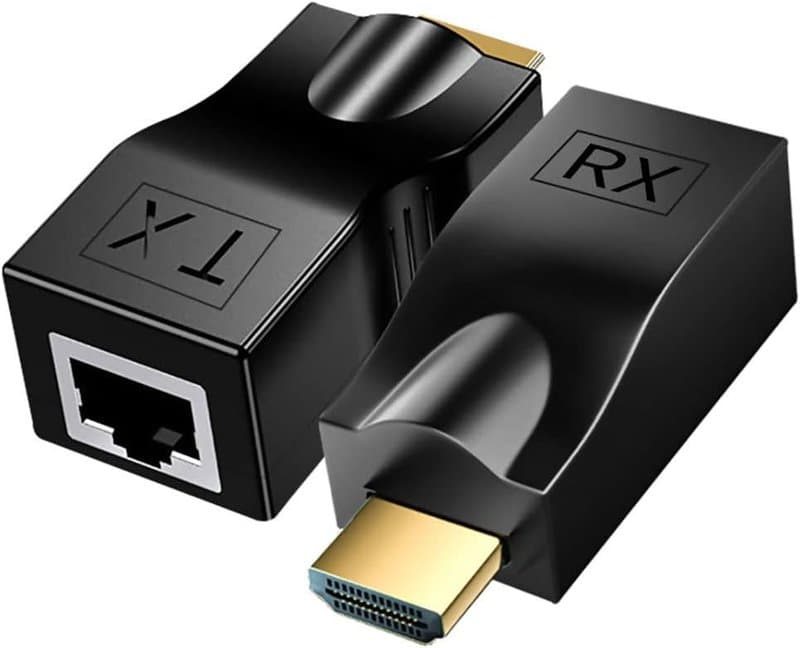
HDMI extenders in this range carry HDMI video signal beyond the cable lengths a standard lead supports, typically over Cat5e/Cat6 or coax runs. They suit CCTV control rooms, offices and retail back-of-house sites where a monitor or display sits far from the DVR, NVR or PC source.
Choosing correctly avoids picture dropouts or having to re-run cable later. Buyers installing new control rooms or retrofitting monitors into existing racks should check compatibility with the source device and display before ordering.
Supported distance varies by model, so check the specific extender's rated range against your actual cable run.
Most run over Cat5e/Cat6 network cable or coax rather than standard HDMI leads, depending on the unit.
Some units support multiple displays while others are single-output, so check this before ordering.
Many transmitter and receiver units require local power; check each product's requirements before installing.
