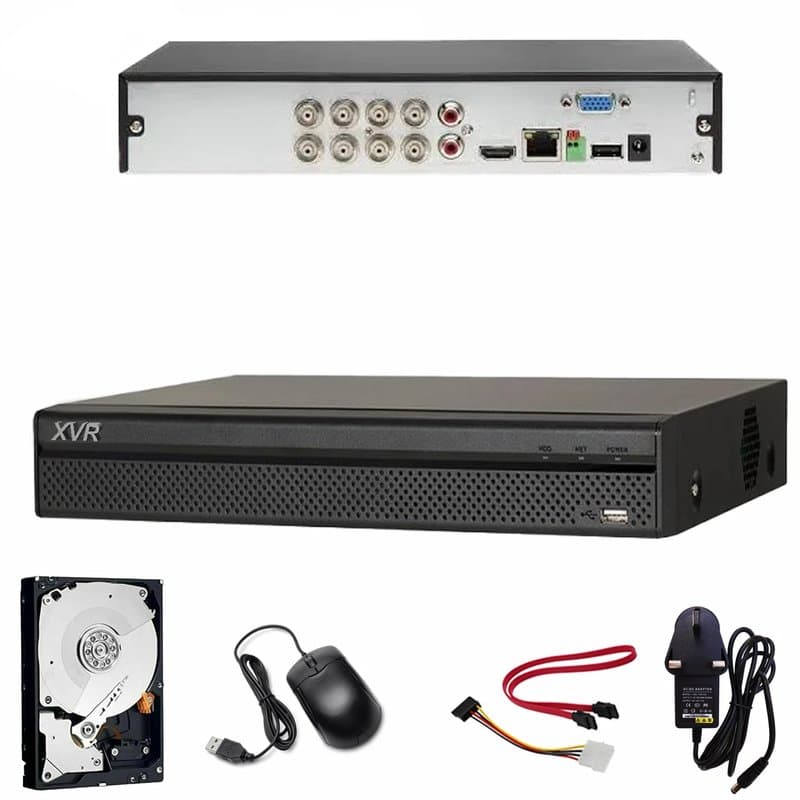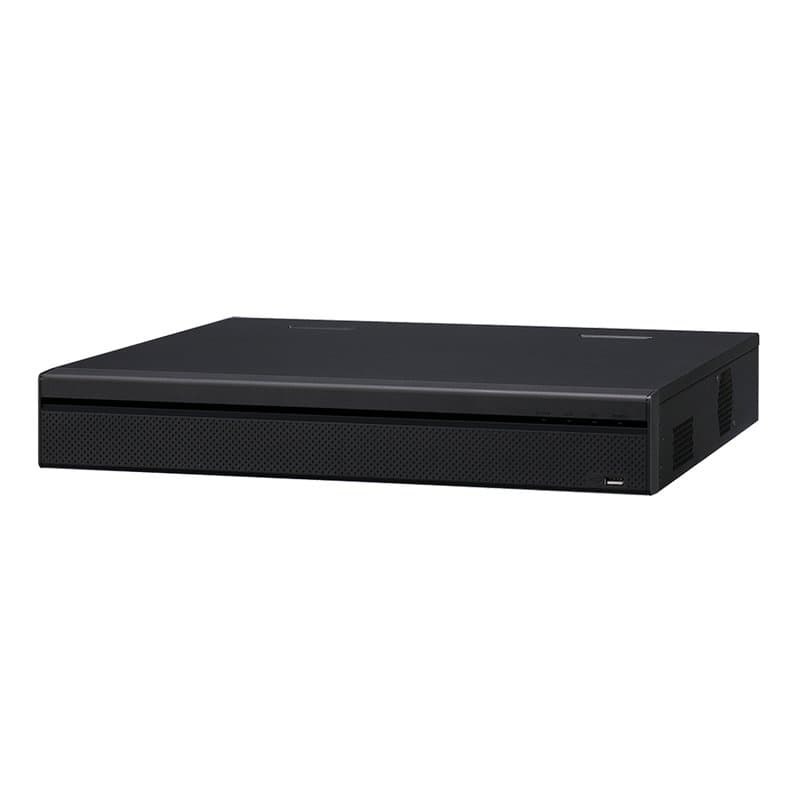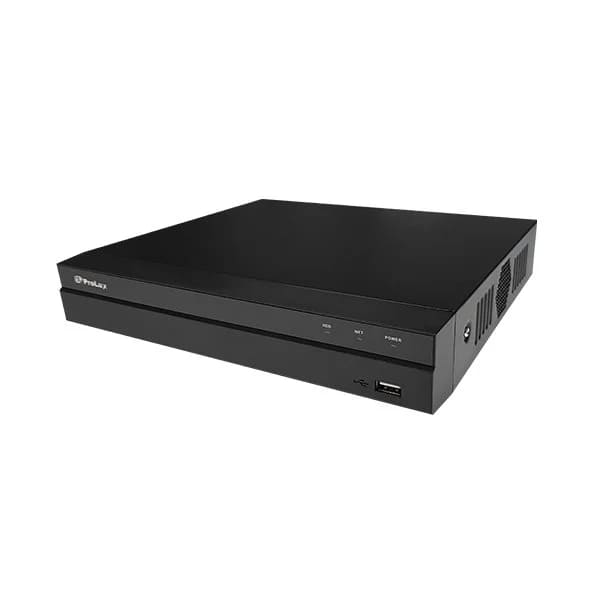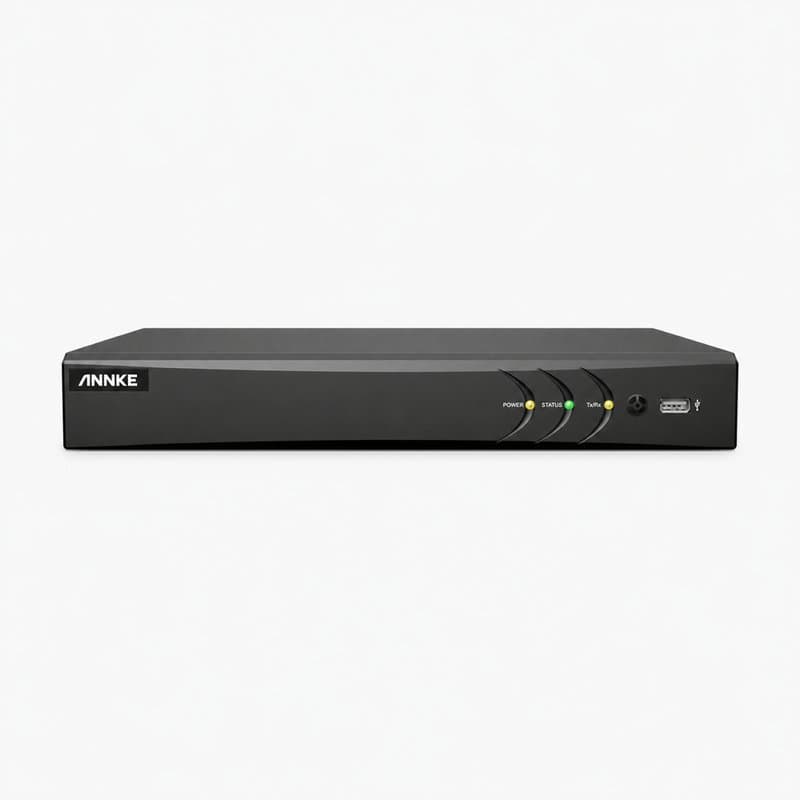
What's in the box
The full contents of the kit are listed here, with the quantity of each part. Selecting a part opens its complete specification.
It uses analogue cameras, so it is worth checking the condition and compatibility of any existing coax before reusing it.
Recording storage
The kit includes 2TB of storage. How many days it records is decided by the mix of cameras, their bitrate and the recording schedule, so for this configuration we cannot give a reliable day estimate.
Before installation
Before installing, look through the box list to see which cables, mounting accessories and power supplies are included. Then plan cable lengths and camera positions around your layout — as a rule, how many cameras there are does not tell you what will be covered. Finally, at each position, make sure the lens gives the field of view you need and that the lighting and weather protection suit it.
Price on request
The kit includes one part without a published price, the Seagate 2TB - HDD 3.5" SATA Hard Drives – Free Installation with Any CCTV Kit or Package -Ideal for 24/7 continuous recording, which is quoted individually. That is why the kit as a whole is priced for you on request, rather than shown with a total. The rest of the contents are listed below.
The recorder
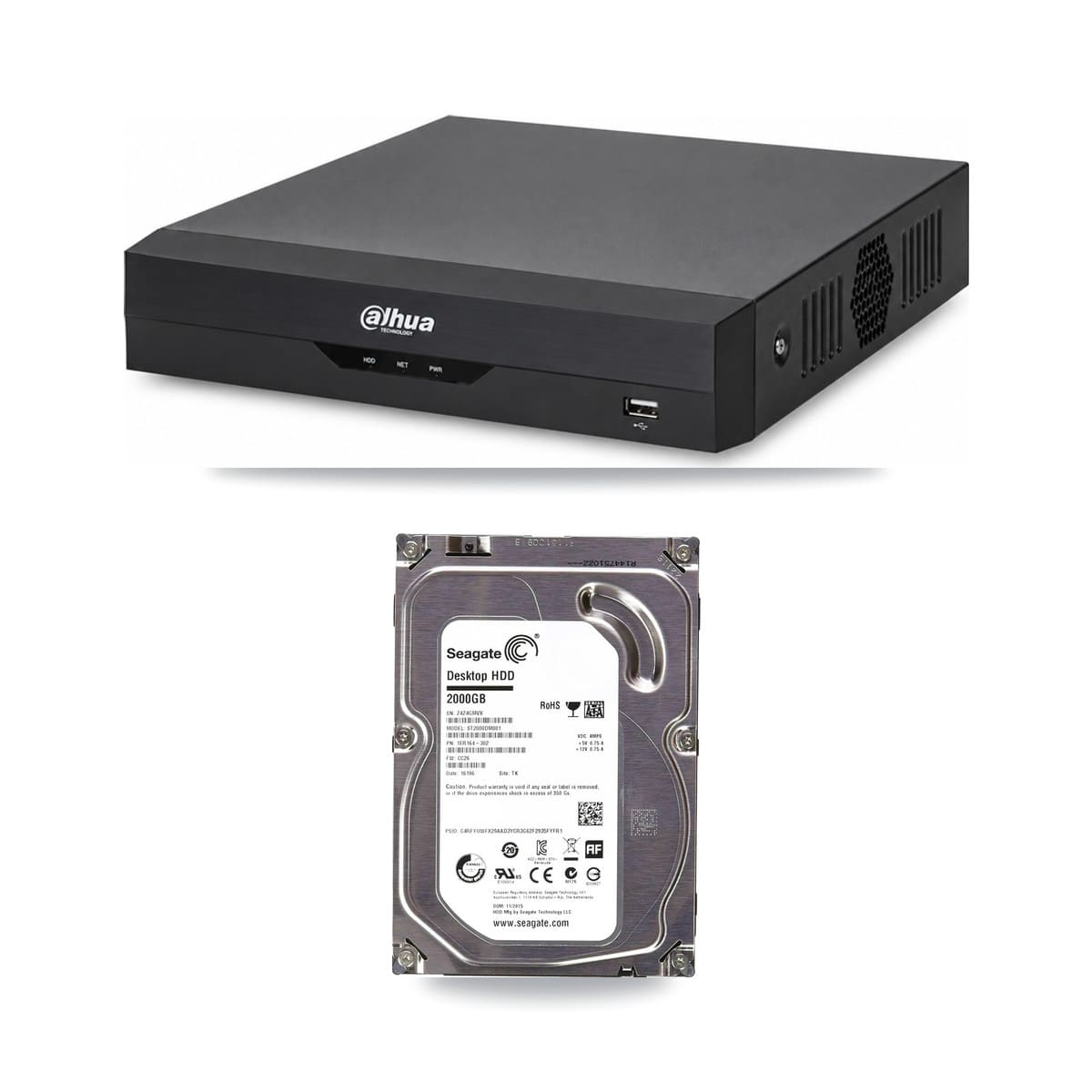
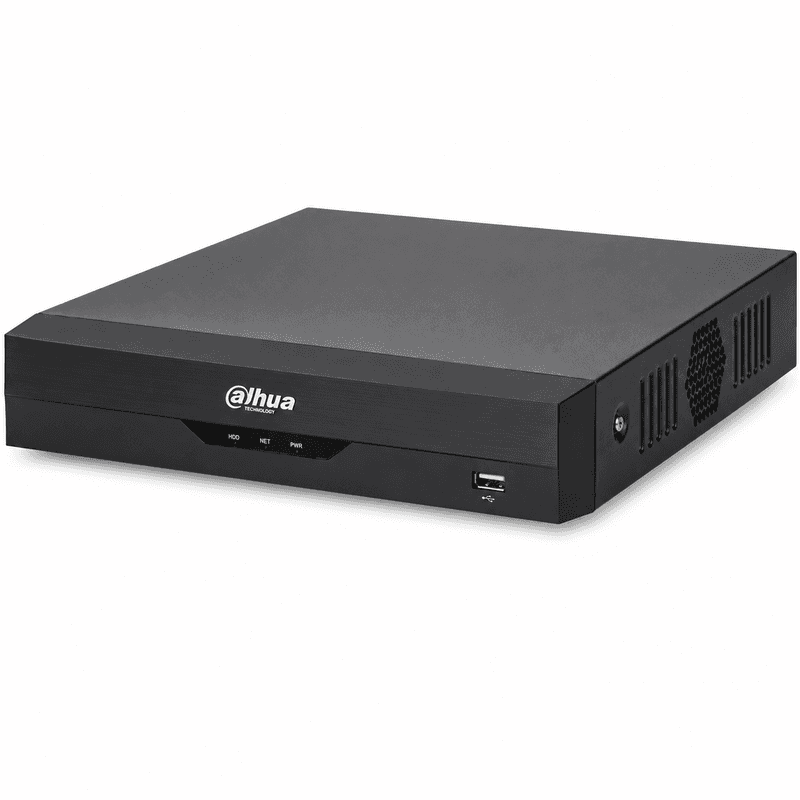
1× Dahua WizSense XVR5104HS-I3 4 Channel 4K AI Penta-brid CCTV DVR
The unit that records every camera and runs the viewing app
The hard drive
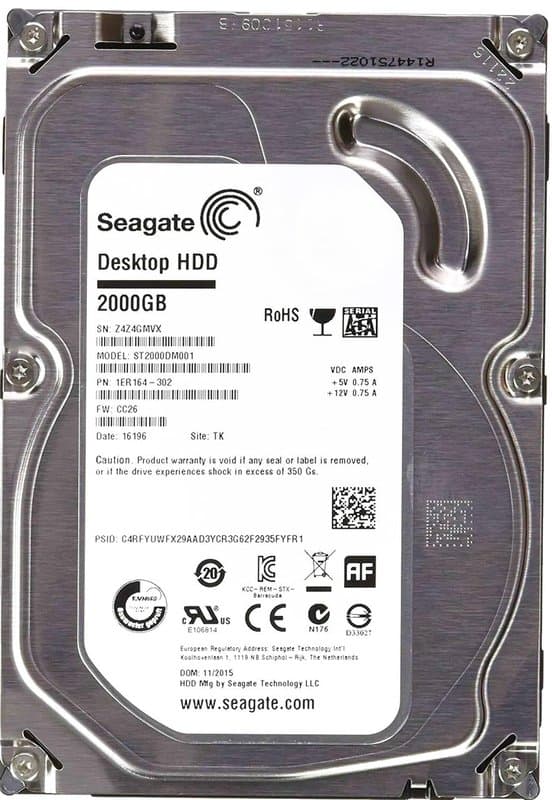
1× Seagate 2TB - HDD 3.5" SATA Hard Drives – Free Installation with Any CCTV Kit or Package -Ideal for 24/7 continuous recording
Where the recorded footage is stored
In practice the kit is a starting point: open it in the builder and you can swap the cameras, move to a larger drive or lengthen the cable runs. Every substitution is checked against the remaining parts as you make it, so the builder never lets you assemble parts that do not work together.
Product Description
The XVR5104HS-I3 is a 4-channel Dahua WizSense DVR supplied with a 2TB hard drive already fitted, so it's ready to record on installation without sourcing storage separately.
Where it fits
A 4-channel unit suits smaller sites: a single shop, an office, or a residential property where the camera count won't grow much beyond four. For larger retail units, warehouses or multi-building sites, a higher-channel recorder would be the better starting point.
WizSense and Penta-brid
WizSense is Dahua's AI analytics platform, built into this recorder. It's also a Penta-brid DVR, meaning it accepts multiple analogue and IP camera signal types on its channels. That's useful on jobs where a site has a mix of older coax cameras and newer HD units, letting one recorder bridge both — though installers should always confirm each camera's output against the DVR's supported inputs before committing to a channel layout.
Storage
The pre-installed 2TB drive means no separate purchase or fitting step is needed before the system goes live, which simplifies the parts list on smaller installs where every recorder normally needs a drive sourced and confirmed as compatible.
Typical pairing
On a 4-channel job like this, the recorder is generally the anchor of the parts list — cameras and cabling are selected around its channel count and input types once those are confirmed for the site.
Specifications
- System type
- Analog (HD over coax)
- Recorder
- 4-channel Dahua WizSense XVR5104HS-I3 4 Channel 4K AI Penta-brid CCTV DVR
- Storage
- 2TB HDD
- What's in the box
- 1× Dahua WizSense XVR5104HS-I3 4 Channel 4K AI Penta-brid CCTV DVR; 1× Seagate 2TB - HDD 3.5" SATA Hard Drives – Free Installation with Any CCTV Kit or Package -Ideal for 24/7 continuous recording
Frequently Asked Questions
Is a hard drive already fitted inside this DVR?
Yes, it's supplied with a 2TB hard drive pre-installed, ready to record once connected.
How many camera channels does it support?
It's a 4-channel recorder, suited to smaller sites such as a single shop, office or residential property.
Can it take both analogue and IP cameras?
Yes, it's a Penta-brid DVR accepting multiple analogue and IP signal types, but check each camera's output against the supported inputs first.