

Available
Toshiba
Toshiba N300 18TB NAS Hard Drive 3.5" SATA 7200RPMSKU HDD-18TB-TOSHIBA-N300-NAS
Price on request
Cookies keep this site secure and hold your basket; they also let us measure visits and see which adverts lead to orders. Privacy policy
3 products in our Storage range — trade-grade UK stock from Euro CCTV.
All products
3 of 3 SKUs · dispatched the same day when ordered by 4pm
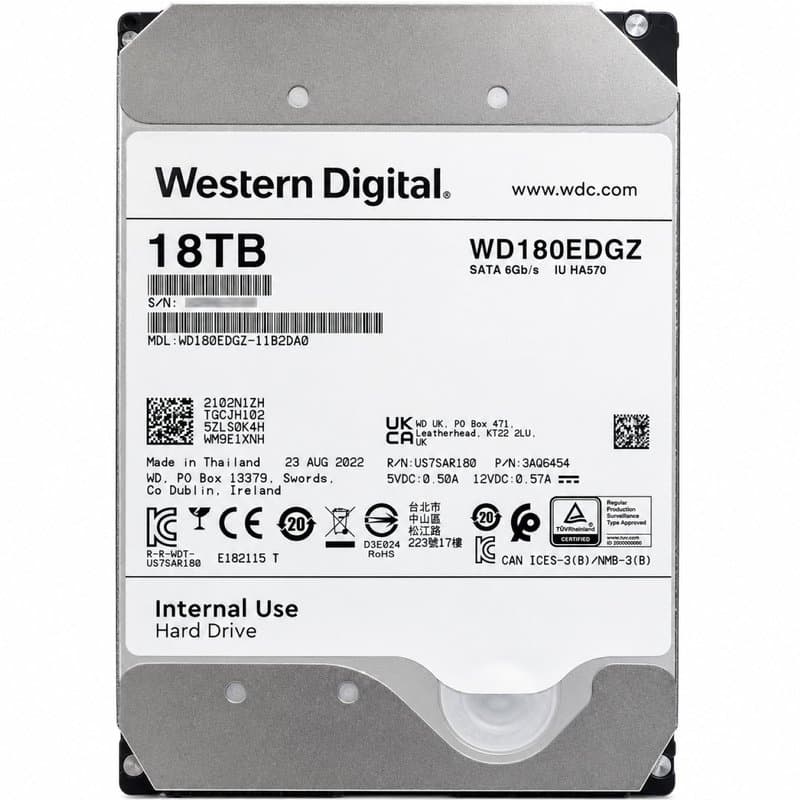

Three 18TB 3.5" SATA hard drives for high-capacity NVR and DVR installations: the Toshiba MG Series Enterprise, the Toshiba N300 NAS drive, and the Western Digital WD180EMFZ.
At this capacity, retention headroom matters more than raw throughput — a single 18TB drive can hold weeks of multi-camera footage before overwrite, cutting the number of bays needed in a recorder.
All three are 3.5" SATA drives, so they fit standard NVR/DVR and desktop NAS bays without adapters.
Both are 7200RPM 3.5" SATA drives, but the MG Series is built for enterprise duty cycles while the N300 is designed for NAS/multi-bay enclosures.
It is an 18TB 3.5" SATA drive running at 5400RPM; check your recorder's supported drive list and duty-cycle rating before deploying it for continuous CCTV recording.
All three drives use the standard 3.5" SATA form factor, but you should confirm your NVR or DVR supports single-drive capacities of 18TB before purchase.
The listings cover the hard drives themselves; check your recorder or enclosure for the required SATA and power connections and bay hardware.
© 2026 Euro CCTV · UK delivery