Product Description
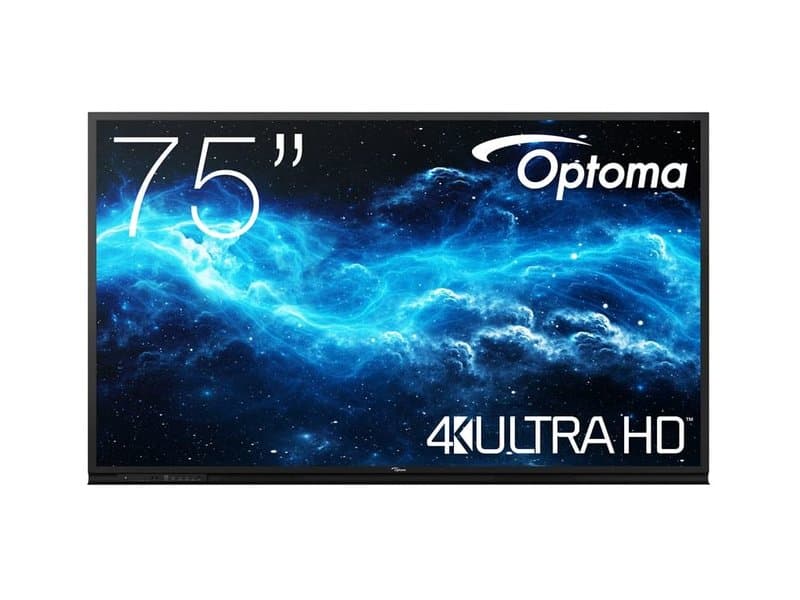
A 75-inch interactive flat panel built for spaces where one screen has to serve presentations, whiteboarding and video conferencing without a separate PC.
Where it fits
- Meeting rooms and boardrooms — HDMI/USB ports connect laptops and conferencing gear directly.
- Classrooms and training rooms — multi-touch support lets several people annotate or interact with content at once, useful for group teaching or workshop sessions.
- Collaboration spaces — the built-in Android OS runs apps, opens files and drives whiteboard tools without an external computer plugged in, so the panel can stand alone for quick huddle-room use.
Key specs
- Screen size: 75 inch
- Resolution: 4K UHD, 3840 × 2160 — sharp enough for detailed slides, spreadsheets or CAD review at distance
- Touch: multi-touch interactive surface for simultaneous multi-user input
- OS: integrated Android for native app and file access
- Audio: built-in speakers, no separate PA needed for smaller rooms
- Connectivity: multiple HDMI and USB ports for laptops, media players and conferencing units
- Mounting: compatible with wall mounts or mobile stands, so it can be fixed in a fitted meeting room or moved between rooms on a trolley
For procurement, the mounting flexibility is the practical decision point: a wall-fixed install suits a permanent boardroom, while a mobile stand keeps the same panel usable across multiple training rooms or shared spaces.
Specifications
- Screen Size
- 75"
- Resolution
- 3840 × 2160
- EPREL Registration Number
- 2803761
Technical Specifications
Frequently Asked Questions
What resolution does the Optoma 3752RK support?
It runs at 4K UHD, 3840 × 2160 resolution.
Does the Optoma 3752RK need an external computer?
No — it has an integrated Android operating system that runs apps and opens files directly on the panel, though HDMI/USB ports also allow laptops or other devices to be connected.
Is it possible for several people to touch the screen simultaneously?
Yes, it supports multi-touch interaction so several users can write or annotate on the display simultaneously.
How can the Optoma 3752RK be installed?
It is compatible with wall mounting brackets for a fixed install or mobile stands for moving it between rooms.